COMPUTER USER's CHEAT SHEET:
Common Requests:
( CTRL + ____ ):
Hold CTRL (bottom left keyboard button) and simultaneously press:
W = CLOSE page (exit)
P = PRINT
S = Save
+ = Zoom in (make bigger) (same as CTRL+mouse wheel up)
- = Zoom out (make smaller) (also fixes icons and pages you cant read)
A = All text or emails selected
C = Copy
V = Paste
X = Cut (copy+delete)
+ = Zoom
Z = Undo (go back, undo typing changes)
Y = Redo (undo an undo[CTRL+Z))
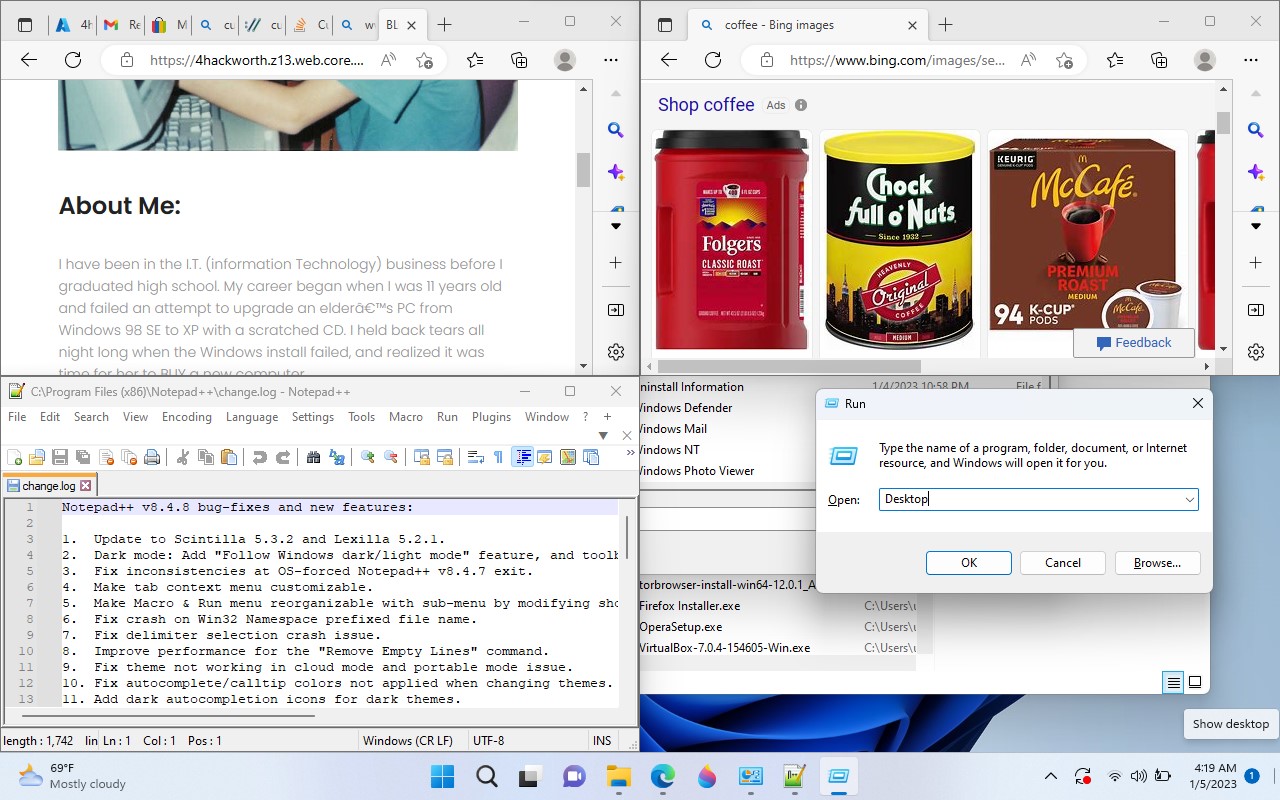
WIN+UP = FULL SCREEN
WIN+D = Desktop (main screen)
F11 = full screen internet
F11 (2x) = exit full screen internet
Window Management:
+ ____ ):
WIN:on bottom of keyboard, directly next/right of bottom left CTRL key:is called the WINDOWS button (aka HOST key);
Hold it down and press /\ UP arrow key at same time to FULL SCREEN ("Maximize")
WINdows key + down = hide window (MINIMIZE)
WINdows key + Right/left = "SPLITSCREEN" (same as dragging a window to the edge of screen)
WINdows key + CTRL + R/L = virtual desktop cycling
this can be specially useful for some advanced PC users. I run resmon and perfmon "total" on desktop 2 and desktop 3 perfmons processor 0, desktop 4 perfmons processor 1, etc. the last desktop is for when I get sidetracked!
WINdows key single press opens the "start menu" that has a list of installed programs and if you type, SEARCHes for files.
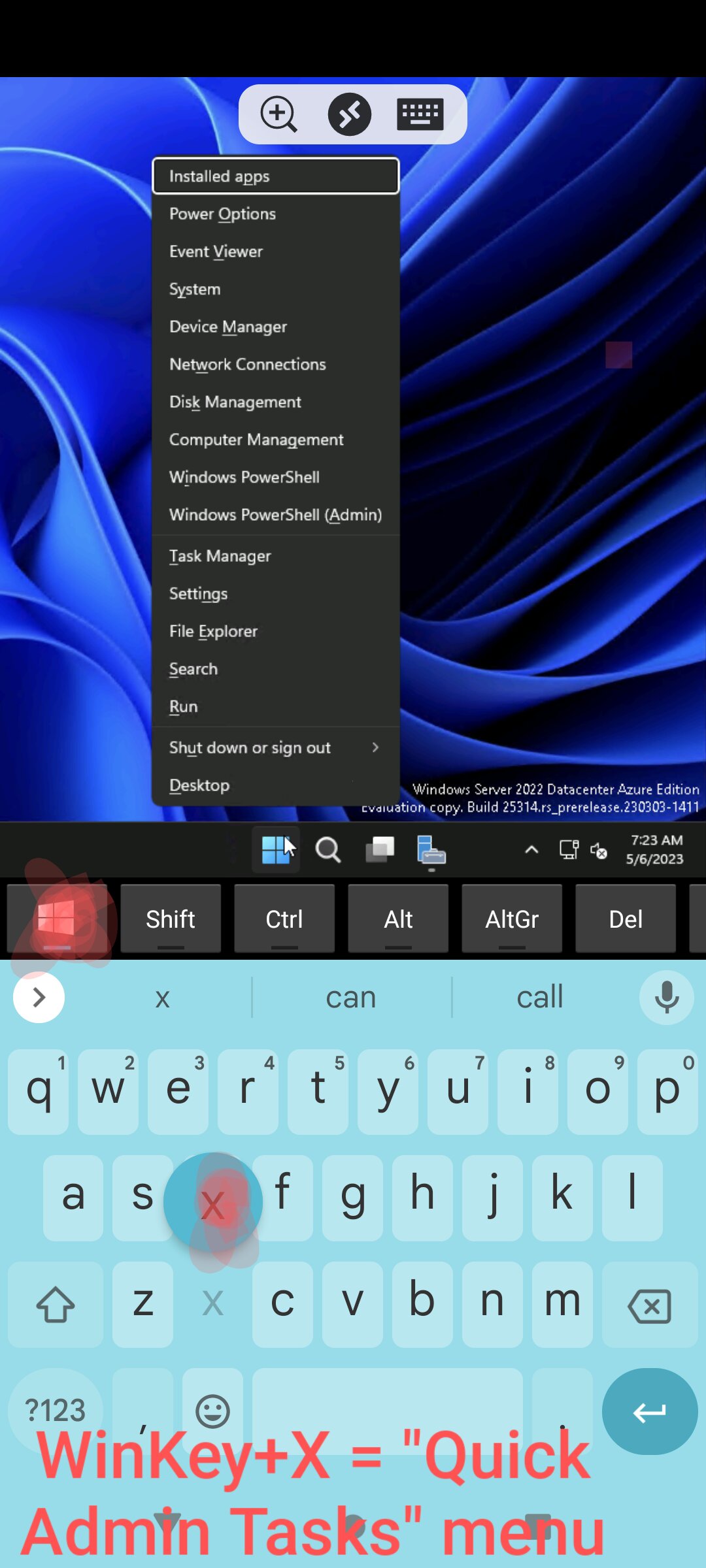 -----------------------------------
F11 = INTERNET FULL SCREEN (or UN-fullscreens it)
CTRL+F = FIND, F3 "FIND NEXT"
CTRL+W = CLOSE INTERNET website's tab (EXIT)
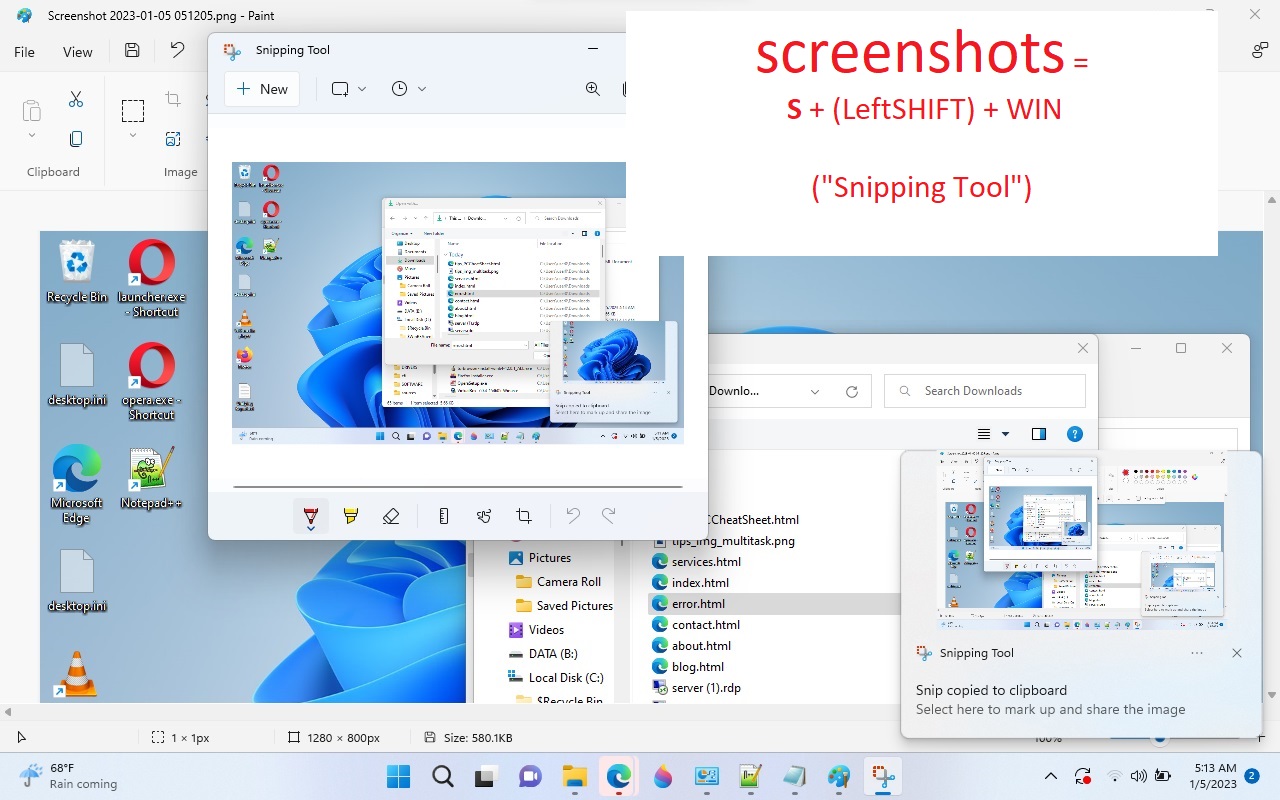
Screenshots
= S + (LeftSHIFT) + WIN
("Snipping Tool")
-----------------------------------
CLICK HERE FOR ST PETE COLLEGE's CHEAT SHEET!
-----------------------------------
TECH SUPPORT:
Geeks on Site Computer Repair - Nationwide in-house 24/7 tech support
Tech Johnathon Hackworth
1-888-360-GEEK (4335)
https://www.geeksonsite.com/
*GeeksonSite did not publish or endorse any of this web site's content*
1800-892-4357 SPECTRUM TECH SUPPORT
1800-376-6843 FRONTIER CUSTOMER SERVICE